Once you have created a page or uploaded your PDF to the system, you can link to it from the content editor. Follow the instructions below:
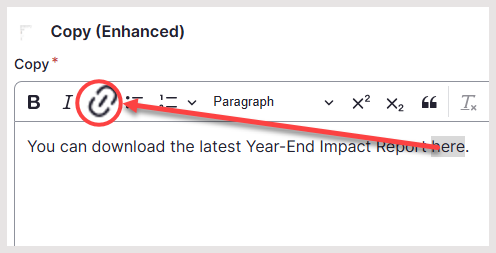
- From the content editor window, highlight the word you wish to link
- From the toolbar, click the Link icon
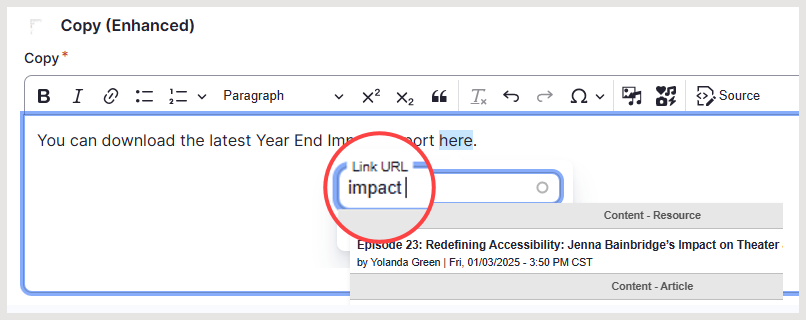
- In the Link URL box that appears, type the name/title of your page or PDF document
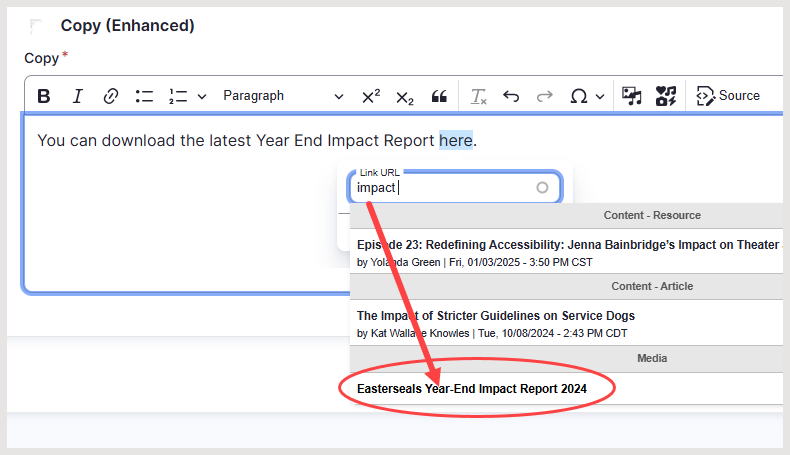
- From the dropdown list that appears, select your page or PDF
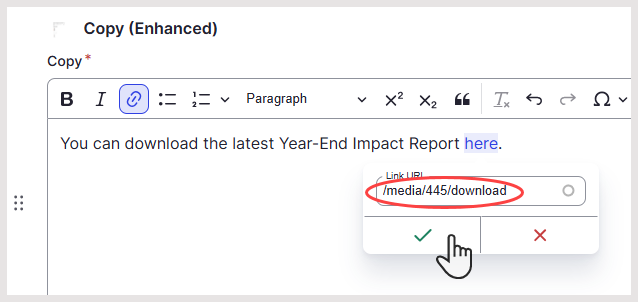
- Ensure the relative link appears and click the checkmark
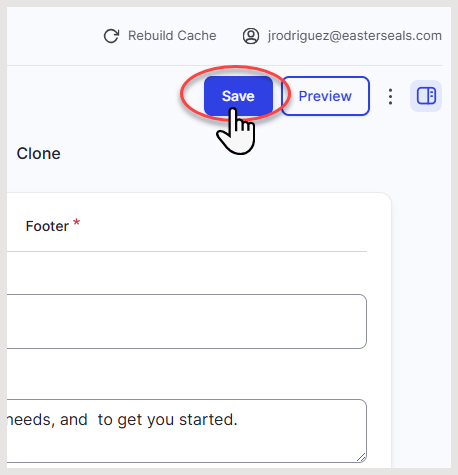
- Once you are finished making changes to the page, click Save in the upper-right top of the screen
Was this article helpful?
That’s Great!
Thank you for your feedback
Sorry! We couldn't be helpful
Thank you for your feedback
Feedback sent
We appreciate your effort and will try to fix the article