Service/Program cards do not get manually added to Area of Support pages. Instead, they are added by going into each Service/Program page and selecting the appropriate area(s)of support, thereby creating a link. Once this is done, the service/program will automatically appear as Service/Program card under the “Our Programs” section of the Area of Support page.
To add a Service/Program card to an Area of Support page, follow the instructions below:
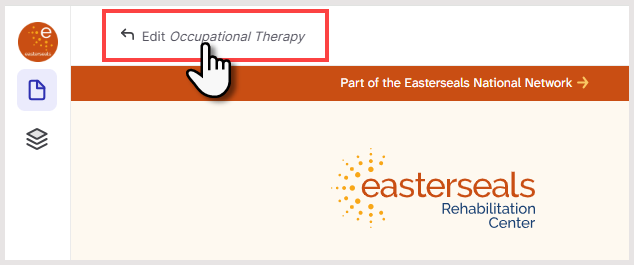
- Open the Service/Program page you want to edit
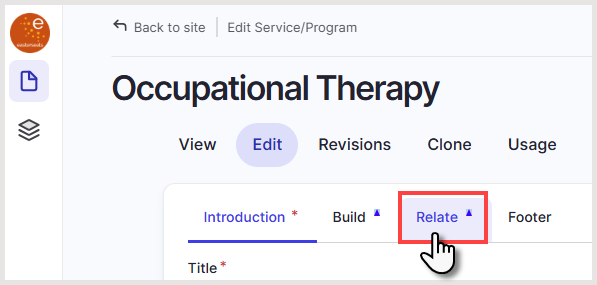
- Click the Relate tab
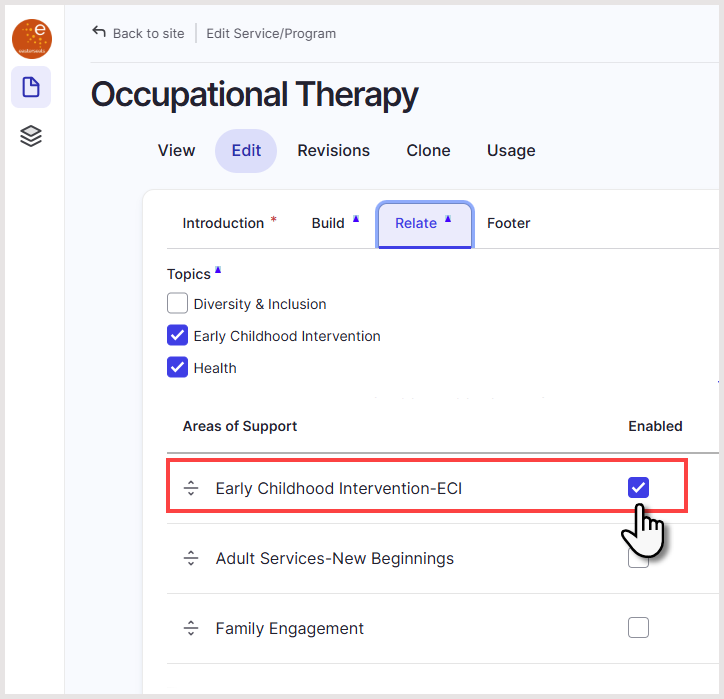
- Select one or more Areas of Support that apply to the Service/Program
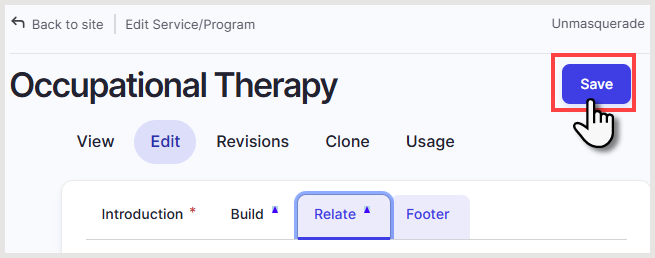
- Click Save
- The Service/Program will now automatically display on each selected Area of Support page under Our Programs.
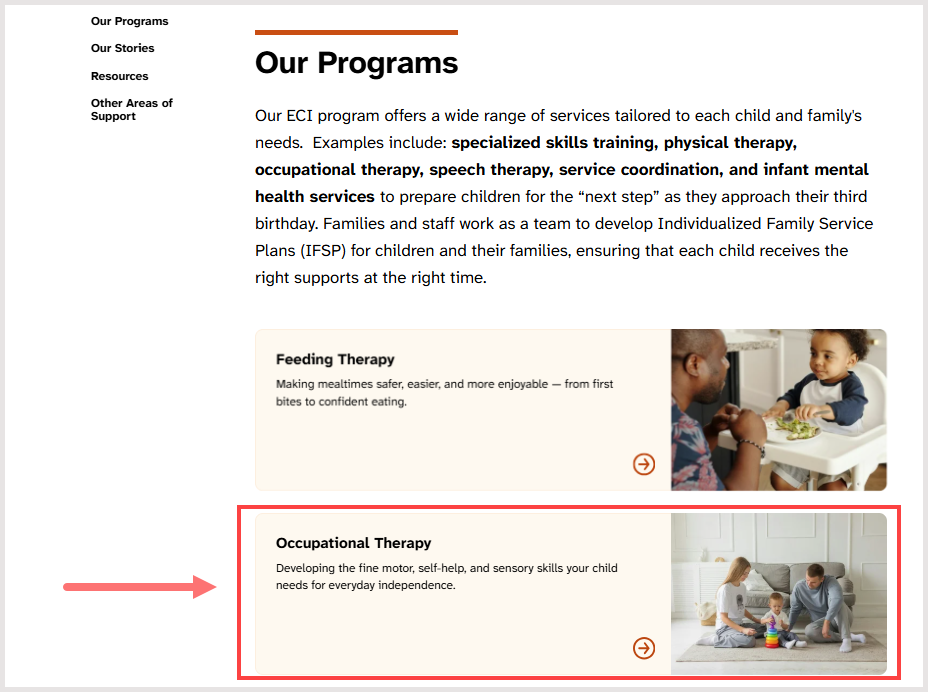
- No additional edits are required on the Area of Support page itself.
Was this article helpful?
That’s Great!
Thank you for your feedback
Sorry! We couldn't be helpful
Thank you for your feedback
Feedback sent
We appreciate your effort and will try to fix the article