Overview
Services/Program and Area of Support pages work together to help visitors navigate from a broad need to a specific service offering. In NextGen CMS, a Service/Program page must be linked to one or more Areas of Support so related content displays correctly throughout the website. The relationship is managed from the Relate tab of the Service/Program page.To link or unlink a Service/Program page to/from an Area of Support page, follow the instructions below:
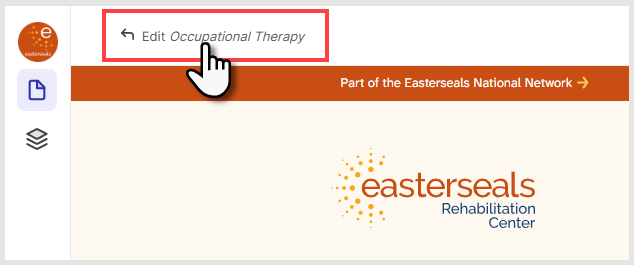
- Open the Service/Program page you want to edit
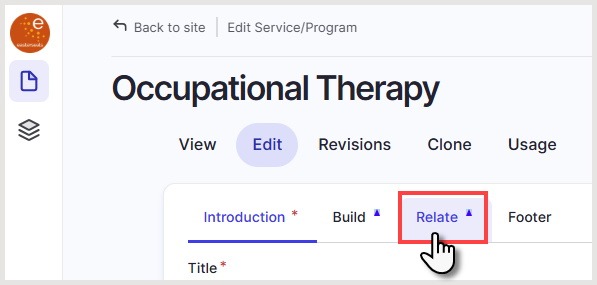
- Click the Relate tab
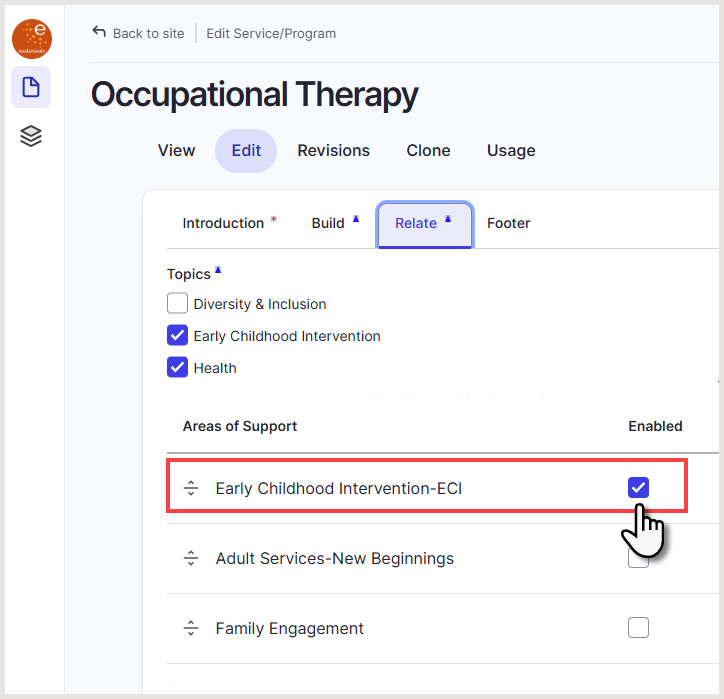
- Under Areas of Support, mark (or unmark) the appropriate area(s) that apply to the Service/Program
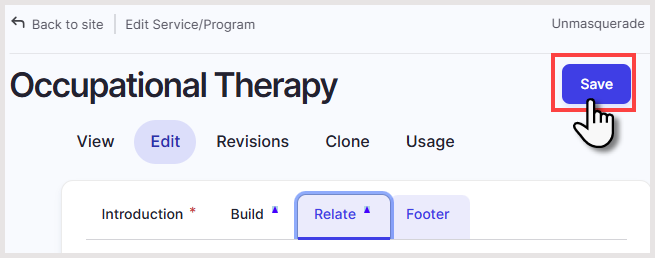
- Click Save
Was this article helpful?
That’s Great!
Thank you for your feedback
Sorry! We couldn't be helpful
Thank you for your feedback
Feedback sent
We appreciate your effort and will try to fix the article