To add a new service location, follow the instructions below:
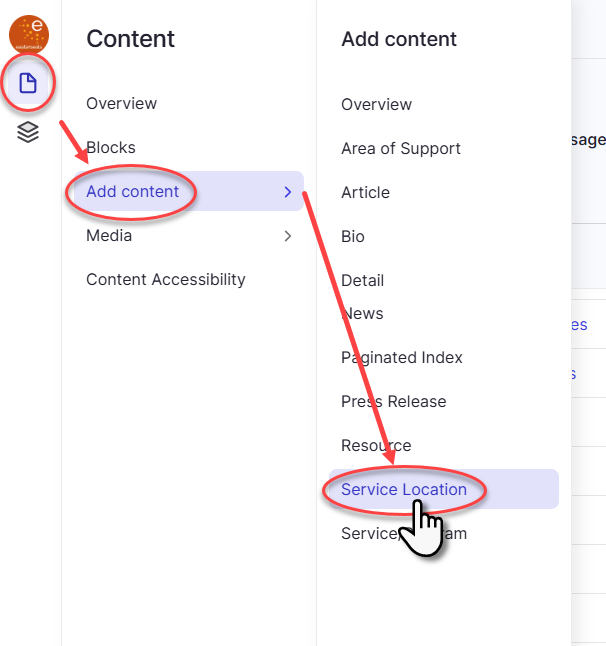
- From the left navigation, hover over the Content icon, go down to Add content down to Service Location and click on Service Location
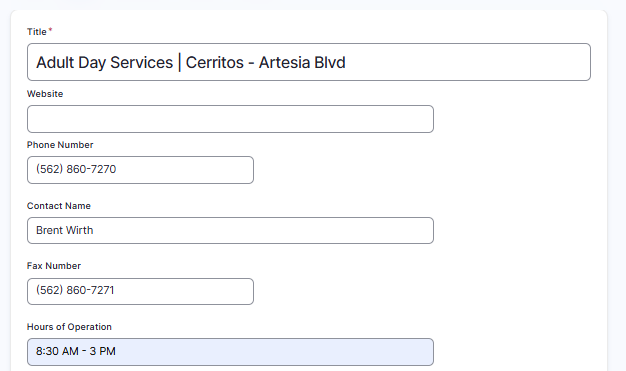
- Next, fill out the title, website (optional), phone number, contact name and fax number (optional) fields
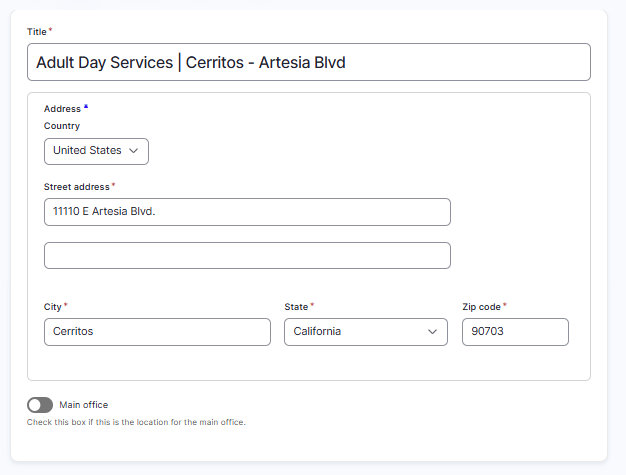
- Then, fill out all required address fields:
- To publish the page immediately, click the status drop down on the right panel (labeled "Save as:") and change the status from Draft to Published
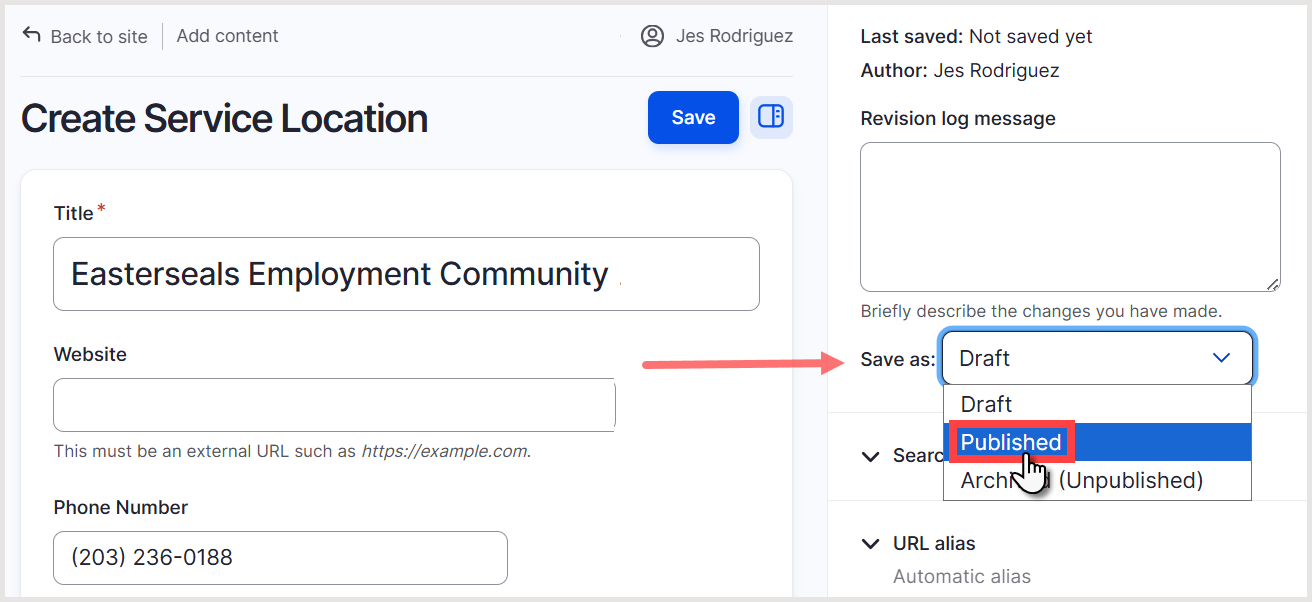
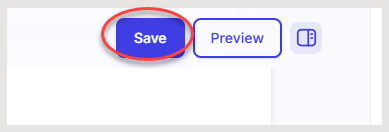
- Finally, click Save at the top of the screen
Was this article helpful?
That’s Great!
Thank you for your feedback
Sorry! We couldn't be helpful
Thank you for your feedback
Feedback sent
We appreciate your effort and will try to fix the article